Nekopara Sekai Connect Nekoconne Steam Launch Deep Dive
November 18, 2026 PC launch rewards, linking, and what to do first on Steam.
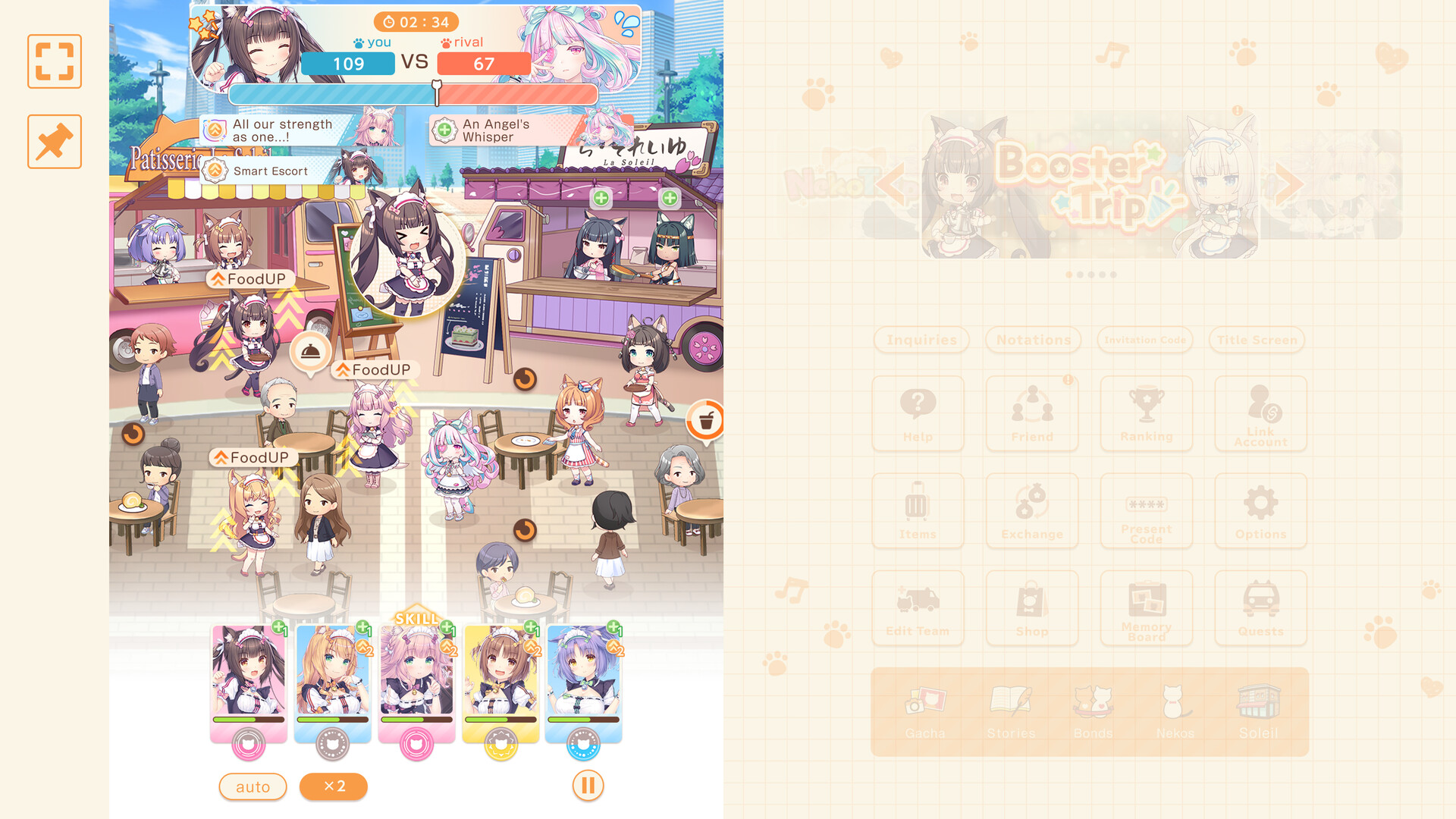
Steam is live — here is the campaign map
Nekopara Sekai Connect (Nekoconne) launched on Steam PC on November 18, 2026 (store app 4437450), months after the April 14, 2026 mobile release on iOS and Android. The PC window is not just “same game on a bigger screen.” It ships with a concentrated freebie schedule, a featured rate-up, cosmetic drops for legacy favorites, and a serious push to make older events permanently available. This page is the single deep dive for that launch season.
Developer/publisher credits stay consistent with the rest of the wiki: NEKO WORKs and GOOD SMILE COMPANY, with Yostar on promotion and Sayori on story/character design. The game remains free to play with JP, EN, Simplified Chinese, and Traditional Chinese support.
If you still need café basics, park this tab beside Getting Started. For the full Data Transfer walkthrough, open Steam Transfer. For Present Code UI, use How to Redeem. Verified strings and an honesty policy live on the Codes Hub.
Headline rewards and dates
| Campaign piece | Window | What you get / why it matters |
|---|---|---|
| Steam login bonus | Nov 18 – Dec 8, 2026 (PST) | Up to 130 Gacha Tickets for consistent logins |
| Limited missions | Through Nov 30, 2026 | Extra launch-board rewards — clear early |
| Jasmine rate-up (EN) | Through Dec 7, 2026 | Bastet Cat University Graduate School featured banner |
| Selectable Trip | Through Dec 1, 2026, 0:00 JST | Choose boosted pools (lists below) |
| Date costumes | Launch period | Chocola & Vanilla Date outfits in Costume Shop |
| Past events → permanent | Launch messaging | Older events become permanently playable/catch-up friendly |
| Delay apology Gems | TBA via mail / official X | Planned for all players after the Steam slip |
| Account linking | Anytime after install | Mobile ↔ Steam via Data Transfer → Link via ID & Password |
Miss a login day and you can leave tickets on the table — treat the calendar like a part-time job for three weeks, not a one-click code.
Day-one Steam install checklist
- Install from the official Steam store page for app 4437450 (also linked from our Links Hub).
- Launch once, create or sign into your platform account flow as prompted.
- Link before you spend. Open Data Transfer → Link via ID & Password. Mobile veterans should generate/link credentials on the phone first, then enter them on Steam so café progress, Nekos, and prior Present Code history unify. Full screenshots-style steps: Steam Transfer.
- Claim any waiting mailbox items, then open Present Code once so the menu path is warm — see How to Redeem.
- Note today’s date against the login track and limited mission board.
- Skim Jasmine’s rate-up end date before dumping the entire 130-ticket haul impulsively; cross-check the Tier List and Nekos hubs.
- Add the Daily Checklist to your bookmark bar for garden, dispatch, and rating chores.
Account linking deep dive (Data Transfer)
Steam and mobile are not automatically the same save. The supported path highlighted for this launch is:
- On your primary progress (usually mobile if you played since April), open the data transfer / account section.
- Create or confirm an ID & Password link credential. Store it in a password manager — never paste it into unofficial “transfer helper” sites.
- On Steam, choose Data Transfer → Link via ID & Password and enter the same credential.
- Confirm the café name, Neko roster, and currencies match what you expect before pulling or buying.
- From then on, redeem Present Codes and claim login rewards on the linked account only once.
Linking pitfalls
- Linking the wrong way can orphan a fresh Steam tutorial account that already spent tickets. Always identify which save is the real one first.
- Present Codes are per account. Linking after redeeming the same code on two unlinked saves will not duplicate rewards.
- If Support is required, use official FAQ/support entry points from the Links Hub, not Discord DMs from strangers.
For the dedicated transfer article (PC requirements, troubleshooting, and campaign deadlines in one place), read Steam Transfer. Follow in-client labels exactly if wording shifts slightly after a patch.
How to spend the 130-ticket login track
Tickets are flexible, but launch timing is not:
- Hold a portion until you confirm Jasmine (or your priority Neko) still matches your element needs — Pop (food), Passion (drink), Sweets — and role needs — Powerful / Buffer / Debuffer / Extra.
- Do not ignore café rating while staring at the banner. Customer Service, Level + Limit Break/Awakening, and Garden/Flower levels still decide how soft your shifts feel.
- Trip tickets and materials from Present Codes or missions should feed the same plan, not random side banners.
- If you are brand new on PC with no mobile history, complete Getting Started through early rating unlocks before hard pity attempts.
Limited missions through November 30
Limited missions are easy to forget once the login streak feels automatic. Clear them before November 30 while the board still pays launch-rate rewards. Typical mission design in Nekoconne leans on café actions, story clears, and battle attempts — exactly the chores already listed on the Daily Checklist. Batch them: login → missions → dispatch/garden → story/battle → redeem any new official Present Code.
Delay apology Gems (amount TBA)
Steam PC slipped past earlier scheduling (the Windows build was expected sooner; platform review stretched the timeline). Official messaging states that Gems are planned for all players as an apology. The exact amount was still TBA at launch write-up time—watch in-game mailbox and official X (@nekoconne / @nekoconne_en) rather than third-party rumors. Do not spend as if the apology package already landed; treat it as a bonus when it arrives, not as banked pity.
Selectable Trip (live through Dec 1, 2026, 0:00 JST)
Alongside Jasmine’s featured rate-up, a Selectable Trip lets you boost drop rates for chosen favorites from fixed pools. Official EN posting lists the selectable Nekos as:
- Select 1: Chocola / Kurumi / Paramita / Soufflé / Ak dut / Muffin
- Select 2: Vanilla / Sakura / Lamud / Sorbet / Saffron / Licorice
- Select 3: Fraise / Ringo / Sumomo / Karin / Pawpaw / Mayumi
Period: until Tuesday, December 1, 2026, 0:00 (JST). Confirm the live notice before spending Trip tickets—pool membership can be restated in-client. Many accounts should fill SS / Strong holes from these pools before dumping every Steam login ticket into a single debut banner. Cross-check priorities with the Tier List and Gacha and Reroll.
Jasmine rate-up, JP pickup note, and costume beats
Jasmine’s Bastet Cat University Graduate School EN rate-up runs through December 7, 2026. Deep evaluation notes—including how she compares to La Soleil cores without inventing unsettled skill numbers—live on the dedicated Jasmine page.
JP pickup note: JP-facing notices around the same season also highlight Jasmine together with Bavarois【制服】 (uniform) rate-up messaging through about December 8, 2026, 00:00 JST. If your client follows JP timers, read the active world’s banner text; EN PST end stamps and JST pickup lines are not always identical copy.
Parallel cosmetic focus on Chocola & Vanilla Date costumes in the Costume Shop gives long-time fans a login reason beyond gacha. Spending rules and Stage / Gym / Wedding context sit on Costumes.
Use roster pages under Nekos to see how new outfits or units interact with café stats versus battle kits.
Past events becoming permanent
One of the quiet high-value launch promises is converting past events into permanent content after rerun periods end, with Event Points, shop history, stories, and missions carrying over. The 2nd Nyan-On♪ Garden Bride (originally June 2026) is the spotlighted rerun example. Full catch-up priority versus timed tickets lives on Permanent Events. Prioritize permanent boards only after you secure daily login tickets and mission clears — permanent content will wait; the 130-ticket window will not.
Codes vs launch freebies (do not confuse them)
| Type | How you claim | Notes |
|---|---|---|
| Steam login tickets | Log in during Nov 18–Dec 8 PST | Not a Present Code string |
| Limited missions | Complete board tasks by Nov 30 | Timed |
| Present Codes | Menu → Present Code → Receive | Only trust official strings; see Codes |
We still list verified codes such as official campaign strings when they exist, but we will not invent aggregator fakes. Launch logins are the reliable bulk currency.
Platform notes
- Steam benefits from keyboard/mouse café navigation and stable background downloads for large story packs.
- Mobile remains ideal for dispatch claims and quick garden checks — perfect once accounts are linked.
- Controllers are secondary; Nekoconne’s loop is menu-heavy management plus semi-auto battles and rhythm detours.
Post-launch routine (first two weeks)
- Login claim → mission check → Present Code glance.
- Café shift / Customer Service actions.
- Garden/Flower maintenance.
- Raise priority Nekos (level, Limit Break, Awakening as resources allow).
- One story or event chunk from permanent boards.
- Optional rhythm / battle clears for mission credit.
- Recheck Updates twice a week for schedule tweaks.
Theme PV and vibe check
The embedded theme PV above is the official mood-setter for Nekoconne’s near-future Neko Festival fantasy — useful if you are explaining the game to a friend before they install Steam. Gameplay-focused videos live on other pages when relevant; this launch article keeps the PV as its single embed.
Related reading
- Updates Hub — parent index for future patches.
- Permanent Events — rerun → permanent catch-up.
- Jasmine — Bastet debut evaluation.
- Costumes — Date / Stage / Gym / Wedding spend order.
- Rhythm and Comm Mode — songs, Sweetheart plays, daily limits.
- Codes Hub & How to Redeem — gift strings done right.
- Getting Started — systems onboarding.
- Steam Transfer — Data Transfer deep dive.
- Tools & Daily Checklist — execution layer.
- Links Hub — official site, Steam, X, FAQ, Reddit.
Play the launch calendar deliberately: link once, login daily, clear missions early, resolve Selectable Trip before Dec 1 JST, and spend tickets with a roster plan — not panic.
Frequently Asked Questions
Quick answers to the most common questions.
When did Nekoconne launch on Steam?
November 18, 2026 (app 4437450), following the April 14, 2026 mobile launch.
How do I get the 130 Gacha Tickets?
Log in during the Steam login bonus window from November 18 to December 8, 2026 (PST). It is not entered as a Present Code.
How does mobile ↔ Steam linking work?
Use Data Transfer → Link via ID & Password so both clients share one save. Link before spending tickets or redeeming codes.
How long do limited launch missions last?
Limited missions are scheduled through November 30, 2026 — clear them before the board expires.
Until when is Jasmine’s rate-up live?
English coverage runs through December 7, 2026. See Jasmine for evaluation notes and JP Bavarois uniform pickup timing caveats.
When does Selectable Trip end and what are the pools?
Through December 1, 2026, 0:00 JST. Select 1: Chocola/Kurumi/Paramita/Soufflé/Ak dut/Muffin; Select 2: Vanilla/Sakura/Lamud/Sorbet/Saffron/Licorice; Select 3: Fraise/Ringo/Sumomo/Karin/Pawpaw/Mayumi.
Are apology Gems already in mail?
Gems are planned for all players after the Steam delay; the amount was TBA at launch. Watch in-game mail and official X.
Where do I redeem Present Codes during the Steam campaign?
Same as mobile: Avatar/Menu → Present Code → Receive. Full steps on How to Redeem; verified codes on the Codes Hub.