Nekopara Sekai Connect Past Events Turning Permanent
How rerun → permanent conversion works, what progress carries, and how Steam newcomers should prioritize catch-up.
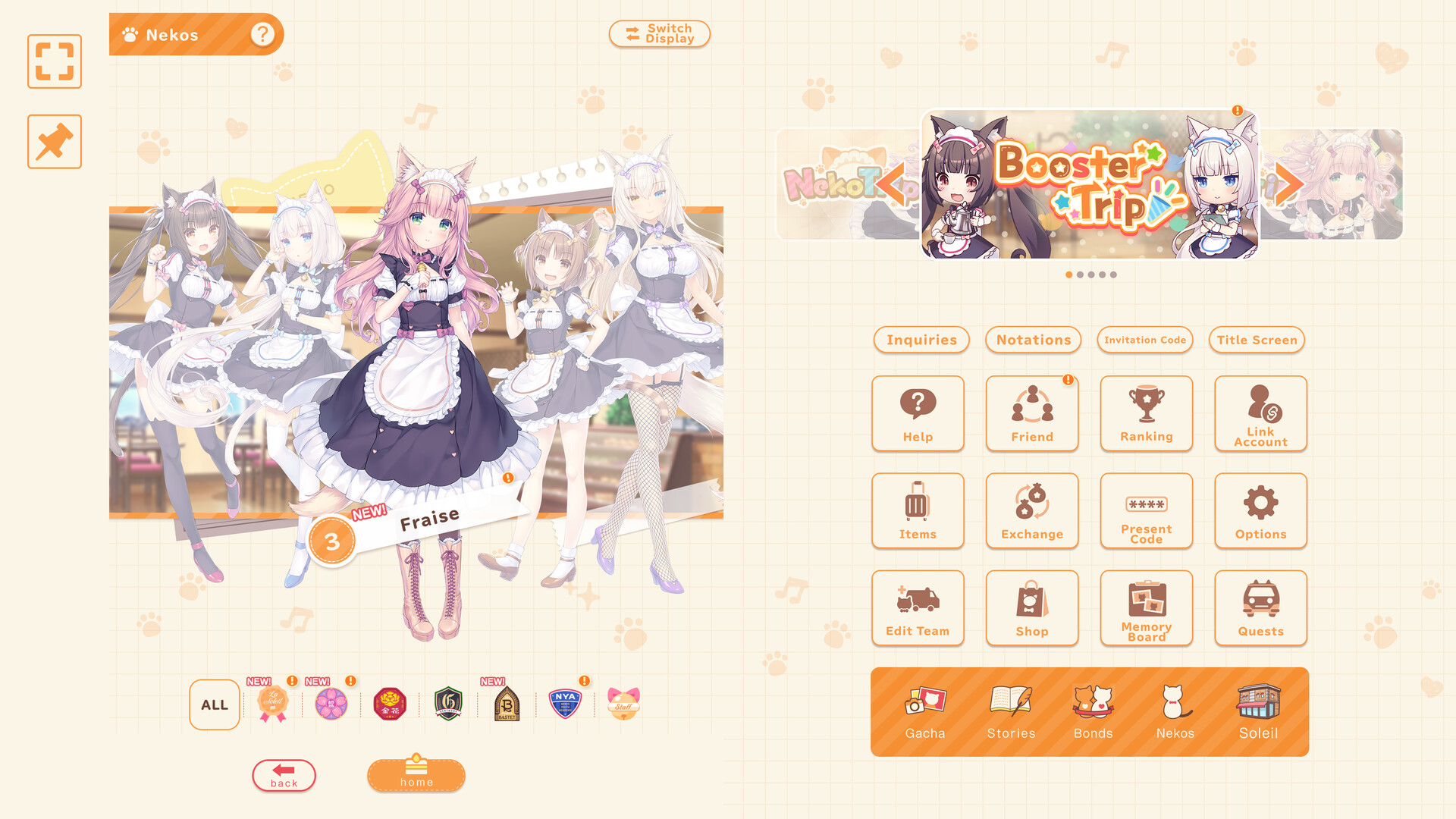
One of the highest-value quality-of-life changes around the November 18, 2026 Steam launch of Nekopara Sekai Connect is the promise that past events become permanently playable after they finish their rerun windows. Steam newcomers who missed spring and summer mobile festivals—and returning players who skipped a banner story—can finally clear event chapters, shops, and missions without living inside a FOMO calendar. This page explains the conversion model, what carries over, how the 2nd Nyan-On♪ Garden Bride rerun fits, and how to prioritize permanent catch-up against timed Steam login tickets.
Parent index: Updates Hub. Full PC campaign calendar: Steam Launch. Systems onboarding: Getting Started. Daily execution: Daily Checklist. Café rating habits: Café Management.
What “permanent after rerun” means
Official launch messaging describes a two-step pipeline:
- A past limited event returns as a rerun for a timed window.
- After that rerun period ends, the event becomes permanently accessible for players who need story, shop, or mission catch-up.
Not every historical event flips to permanent on day one of Steam. Expect a rolling schedule: some titles are already past their rerun and open permanently; others are mid-rerun; more will rotate later. Always read the in-game notice for which boards are permanent versus still on a countdown.
This design reduces the classic live-service trap where a three-week story vanishes forever. It does not delete the value of timed login tickets, limited launch missions, or featured rate-ups. Permanent boards wait; December ticket windows do not.
Progress that carries over
When an event that finished its rerun becomes permanent, GOOD SMILE COMPANY / NEKO WORKs messaging highlights carry-over for:
- Event Points already earned
- Event Exchange Shop purchase / exchange history
- Event Story unlock and read status
- Event Mission clear status
- Additional related progress called out in the client notice
That means returning to a permanent board should feel like resuming a save, not wiping a shop. If you farmed half a currency track on mobile before transferring to Steam via Data Transfer → Link via ID & Password, confirm the same event ID shows your old counters after linking. Orphaned tutorial accounts will not inherit progress from a different save.
If something looks missing after transfer, stop spending premium currency, verify you are on the linked account, and use official support links from the Links Hub rather than unofficial “recovery” sites.
Spotlight: The 2nd Nyan-On♪ Garden Bride
Around Steam launch, coverage calls out a rerun of The 2nd Nyan-On♪ Garden Bride, originally held in June 2026 (also referenced in earlier EN posts as Purrformance / Garden Bride branding depending on localization pass). Treat the in-client title string as canonical if spellings differ slightly across X posts and press releases.
Why it matters for catch-up players:
- It is a concrete example of the rerun → later permanent pipeline rather than a one-off Steam exclusive.
- Event stories, pass-style missions, and costume shop beats from that season may still be relevant if you never cleared them.
- Completing it during the rerun can unlock rewards on the timed board; waiting for permanent access is safer for pure story readers but may miss rerun-only drop tables—check the notice for exclusives.
After this rerun concludes, expect the same conversion language: play anytime, with prior points and mission clears retained where the system allows.
Priority stack for Steam newcomers
Use this order during late November and early December 2026:
- Link accounts if you have mobile progress (Steam Transfer + Steam Launch).
- Claim daily login toward the up-to-130 Gacha Tickets window (Nov 18–Dec 8, 2026 PST).
- Clear limited Steam missions before November 30, 2026.
- Decide Jasmine / Selectable Trip spends against live banners before those clocks end.
- Then dive permanent and mid-rerun event boards for story, Event Points, and shop leftovers.
Permanent catch-up is valuable, but it is the wrong place to burn your first three evenings if login tickets and mission boards are still ticking. Flip the order only if you already finished the timed layer and want lore or shop remnants.
How permanent events fit the daily loop
Permanent boards still consume the same attention budget as café shifts and garden care. Fold them into longer sessions:
- 10-minute claim: login, mailbox, dispatch, garden—skip event story.
- 30-minute Steam block: add one event mission chunk or a shop spend after Customer Service actions.
- 60-minute deep session: clear a full story segment, claim Event Points, and update Memory Board / titles if the event awards them.
Mirror this on the Daily Checklist so permanent FOMO does not replace café fundamentals. Rating pillars (Customer Service, Neko investment, Garden / Flower) still decide how soft Festival evaluations feel—see Café Management.
Event Points, shops, and mission hygiene
- Spend Event Points on irreplaceable shop rows first (unique materials, Trip tickets, awakening pieces) before cosmetic leftovers.
- Do not assume every permanent shop restocks infinitely; read item caps.
- Mission clears that already completed on a prior run should remain checked—do not farm dead objectives hoping for double payouts.
- If a rerun introduces new missions on top of old ones, clear the new rows while the rerun timer exists.
Relationship to costumes, rhythm, and Comm Mode
Many seasonal events unlock songs for the rhythm game, costume shop entries, or Comm Mode eligibility expansions. Permanent access helps you finish those side systems without racing a banner. For mode tutorials, read Rhythm and Comm Mode and Costumes. Do not buy every event outfit before your element core is awakened.
What permanent events are not
- They are not a substitute for Present Codes—codes still redeem through the menu path documented on How to Redeem.
- They are not automatic gem printers; treat shops as finite catch-up, then return to dispatch gem orders.
- They are not permission to ignore banner end dates. Jasmine rate-up, Selectable Trip, and login tickets still expire on their own clocks.
Suggested catch-up roadmap (post-timed layer)
- List every permanent board visible on your client.
- Mark which ones still have unread story or unspent Event Points.
- Clear one board to shop completion before opening three half-finished events.
- After each board, reassess Neko investment and café rating—event mats should feed a written plan from Getting Started.
- Recheck Updates weekly for the next scheduled rerun that will later turn permanent.
Related reading
- Updates Hub — parent feed
- Steam Launch — tickets, missions, Jasmine, costumes
- Getting Started — first-week systems
- Daily Checklist — execution layer
- Café Management — rating while you catch up
Play the permanent library like a backlog, not an emergency. Secure timed Steam rewards first, then let Garden Bride and every converted festival fill the evenings that used to feel empty after banner season.
Frequently Asked Questions
Quick answers to the most common questions.
Do all past events become permanent immediately?
No. Events become permanently playable after their rerun periods end. Some are already permanent; others are mid-rerun or scheduled later.
What progress carries into permanent mode?
Event Points, Event Exchange Shop history, story unlock/read status, mission clears, and related progress noted in-client.
What is The 2nd Nyan-On♪ ~Garden Bride~?
A June 2026 event receiving a Steam-season rerun, illustrating the rerun-then-permanent pipeline for catch-up players.
Should I clear permanent events before Steam login tickets?
No. Claim login tickets and limited missions first; permanent boards can wait after those timers.
Where do I track new reruns?
In-game notices plus the Updates Hub and Steam Launch page. Official X links sit on the Links Hub.